This page summarizes the flow from creating a new process to saving it, as well as how to undo edits.
Overview
A process can be created either manually from scratch or by having the AI Chat create it. On the New screen, you start with a Start Node displayed in the center.
Specifications
Save
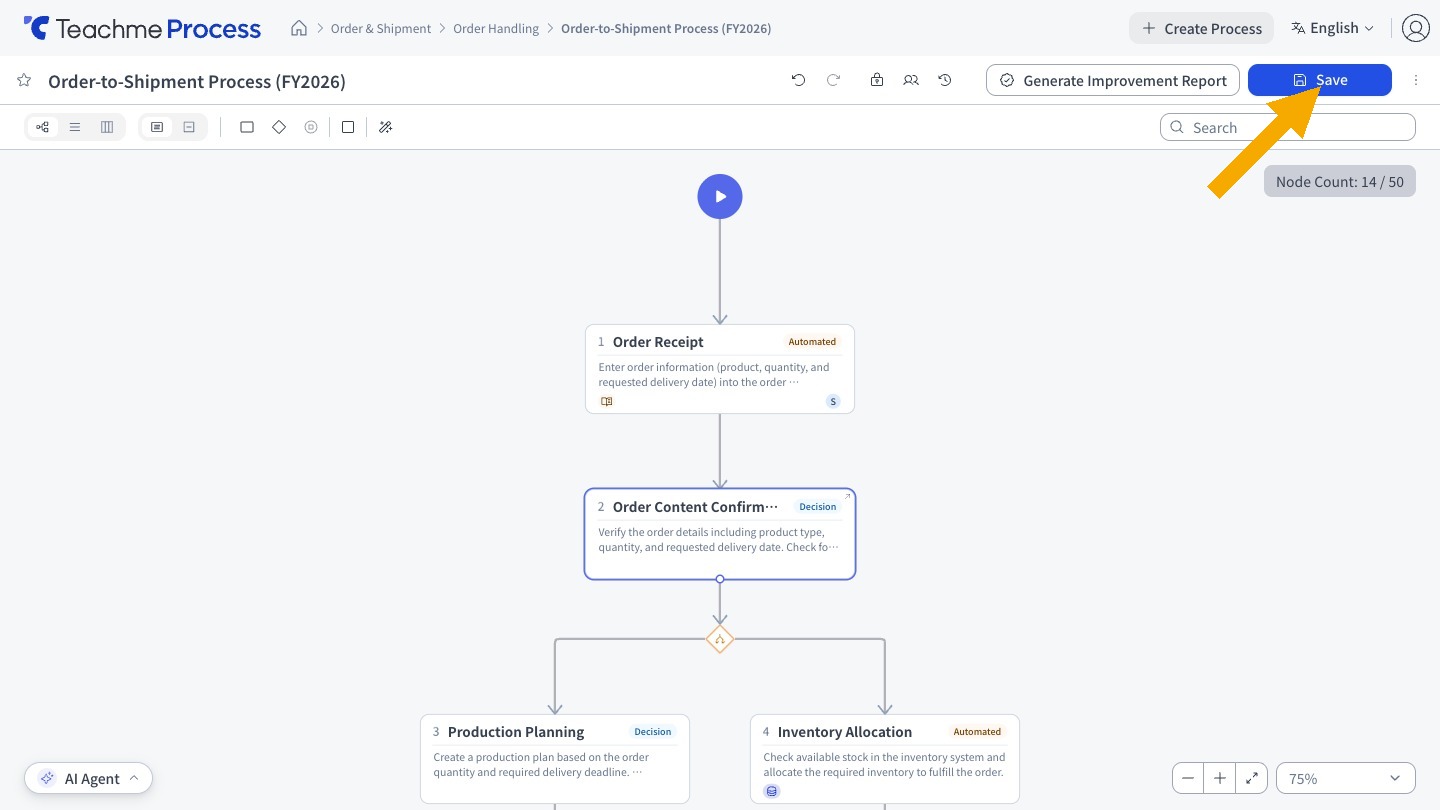
- Save by clicking the save button in the header.
- When you save a newly created process, you are taken directly to the view screen. Saving multiple times will not create duplicate processes.
- If you try to leave the screen while there are Unsaved Changes, a confirmation dialog will appear.
- If you switch the mode toggle back to view mode, the content at that point is also saved automatically.
- The Process Name must be 100 characters or fewer.
Version
Each time you save, a new Version is created, and you can review past states from the Version History.
Undo / Redo
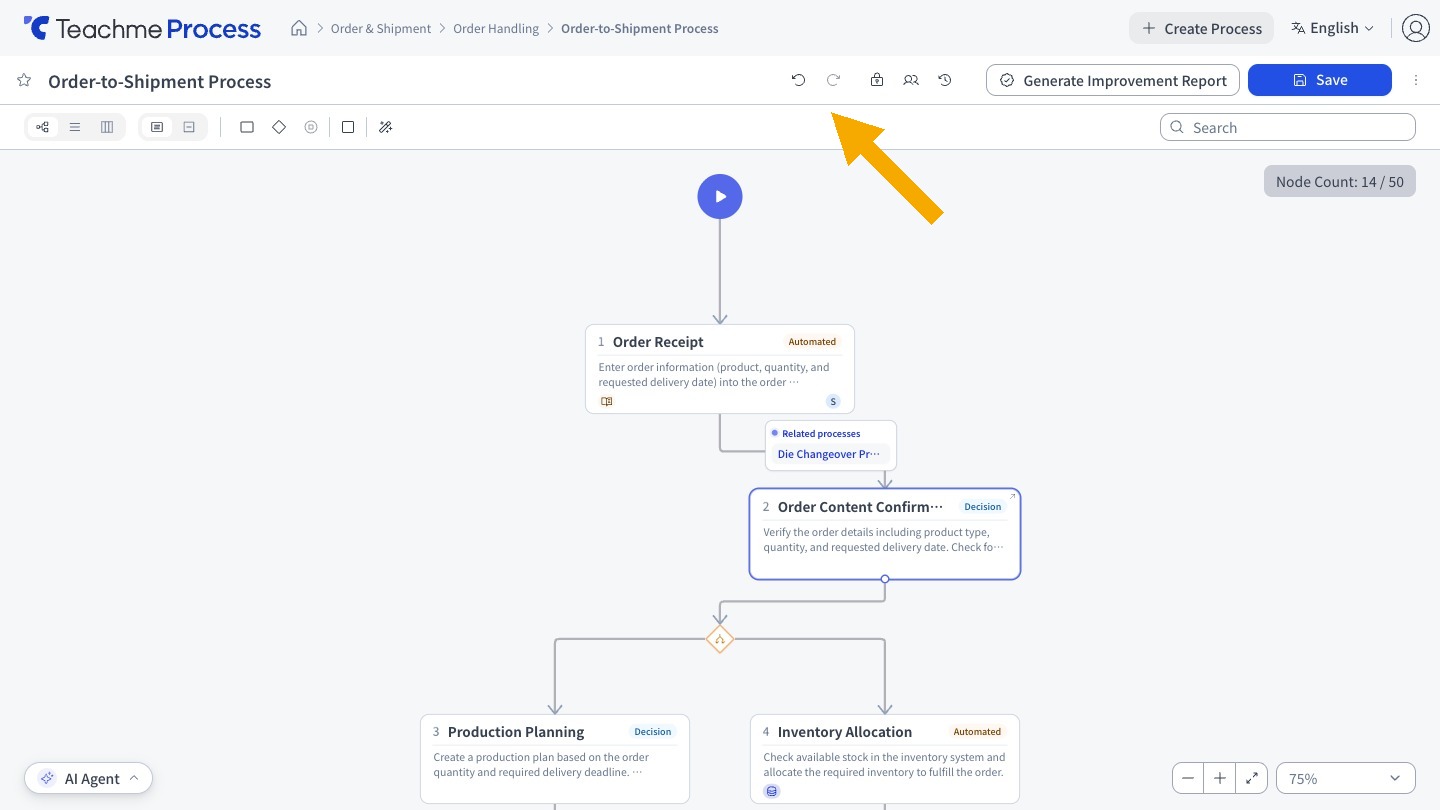
- You can use the Undo / Redo buttons in the edit screen. Keyboard shortcuts are also supported.
- In view mode, the buttons are displayed in a disabled state.
- Operations such as aligning multiple nodes at once or bulk operations by the AI agent can be reverted with a single Undo.
How to Use
Create a new process
https://teachme.jp/8/manuals/49819757
Create and edit a process with the AI chat
https://teachme.jp/8/manuals/49820050
Save what you have edited
https://teachme.jp/8/manuals/49802781
Undo and redo an edit
https://teachme.jp/8/manuals/49803066
Related
Tell me about Version History
https://help.process.teachme.jp/hc/en-us/articles/61437458725273