In Teachme Process settings, you can view the User List and switch the display language.
Specifications
User List
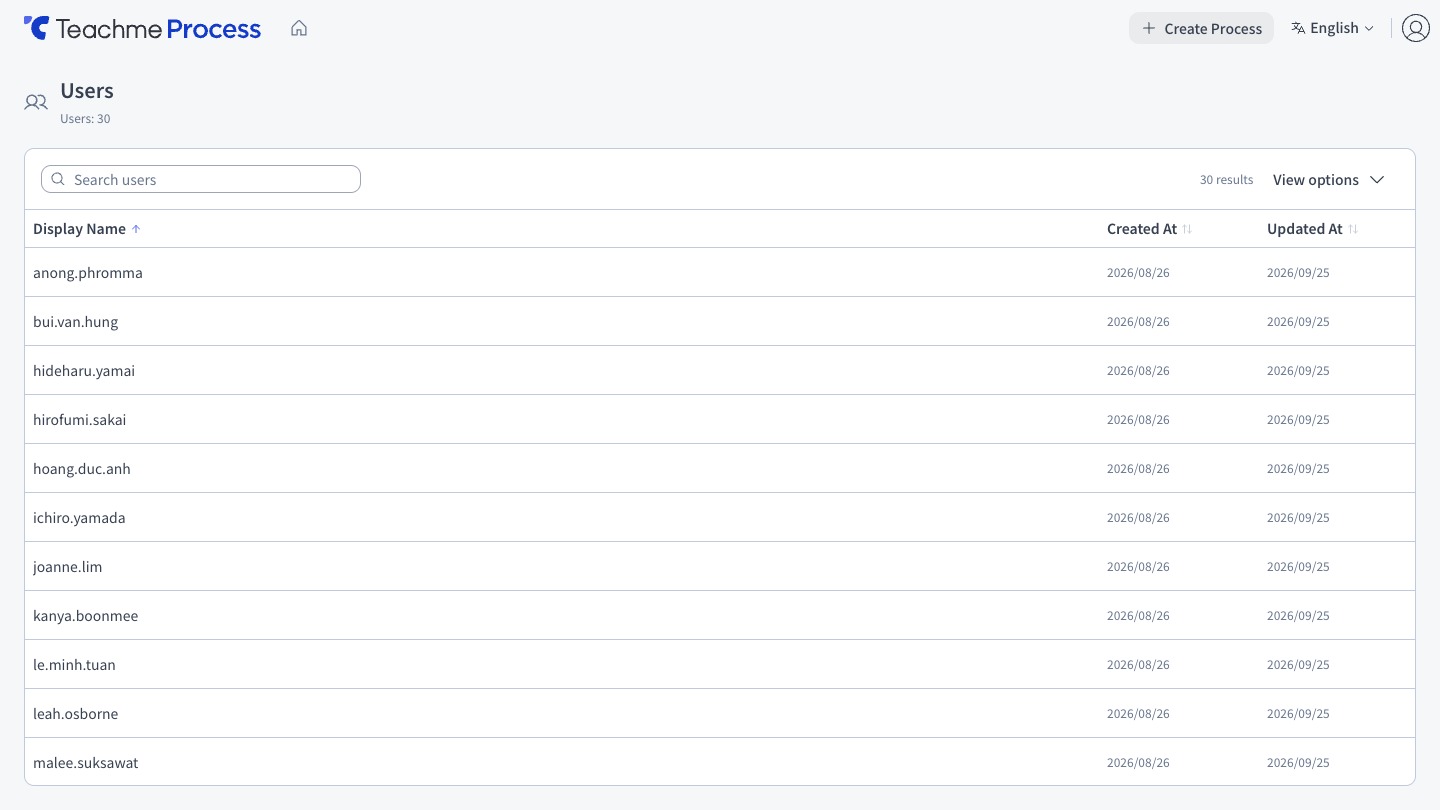
You can view a list of users belonging to the Group.
This cannot be displayed with Member permissions. The "User Management" menu will not appear, and accessing the URL directly will redirect you to the home screen.
Display Language
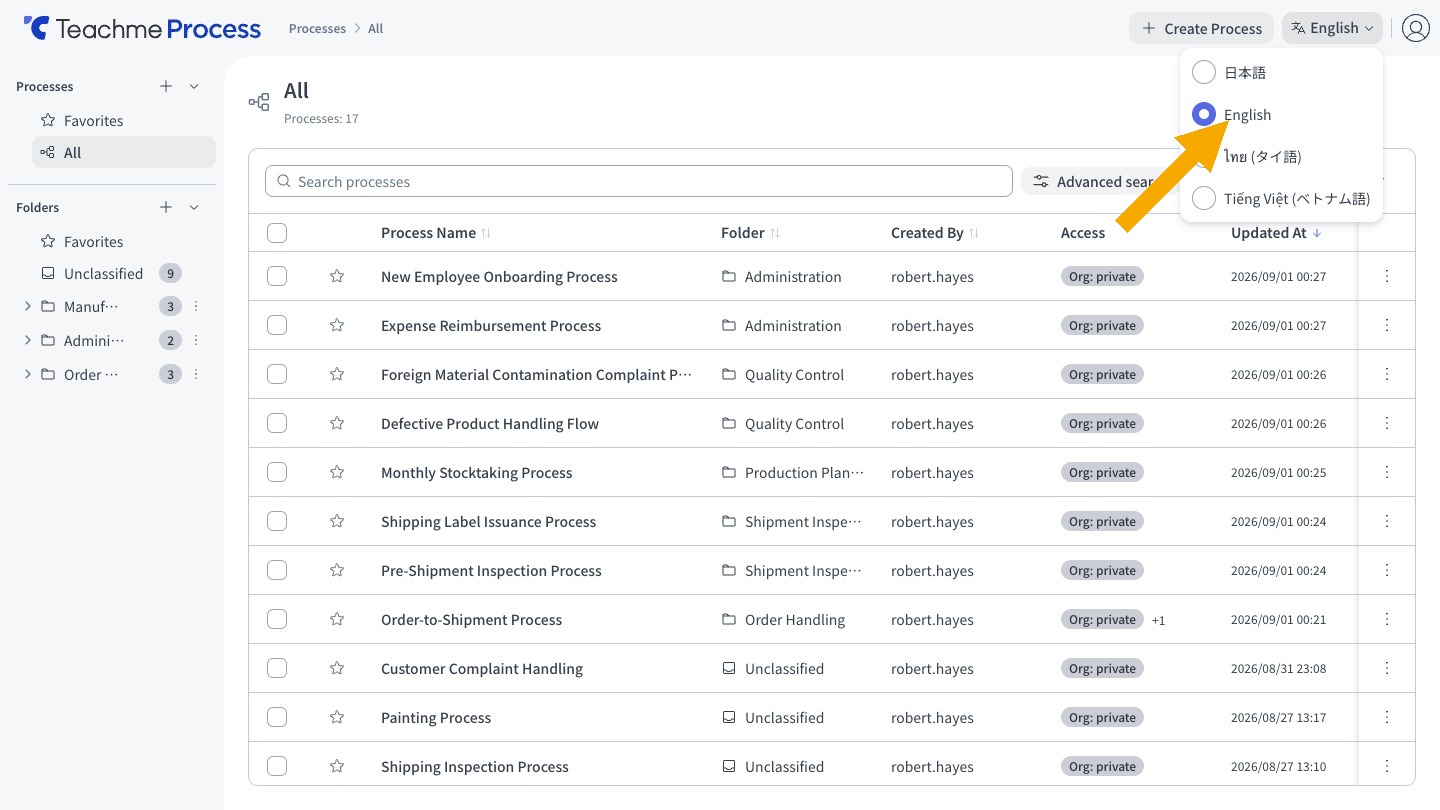
The following 4 languages are supported.
- Japanese
- English
- Thai
- Vietnamese
You can switch the language using the language switcher on the screen. AI agent responses and improvement Reports will also follow the selected language.
Only the screen display is translated. Process Names and node descriptions you have created are not translated and will remain displayed in the language they were entered in.
How to Use
View the user list
https://teachme.jp/8/manuals/49773076
Switch the display language
https://teachme.jp/8/manuals/49773075