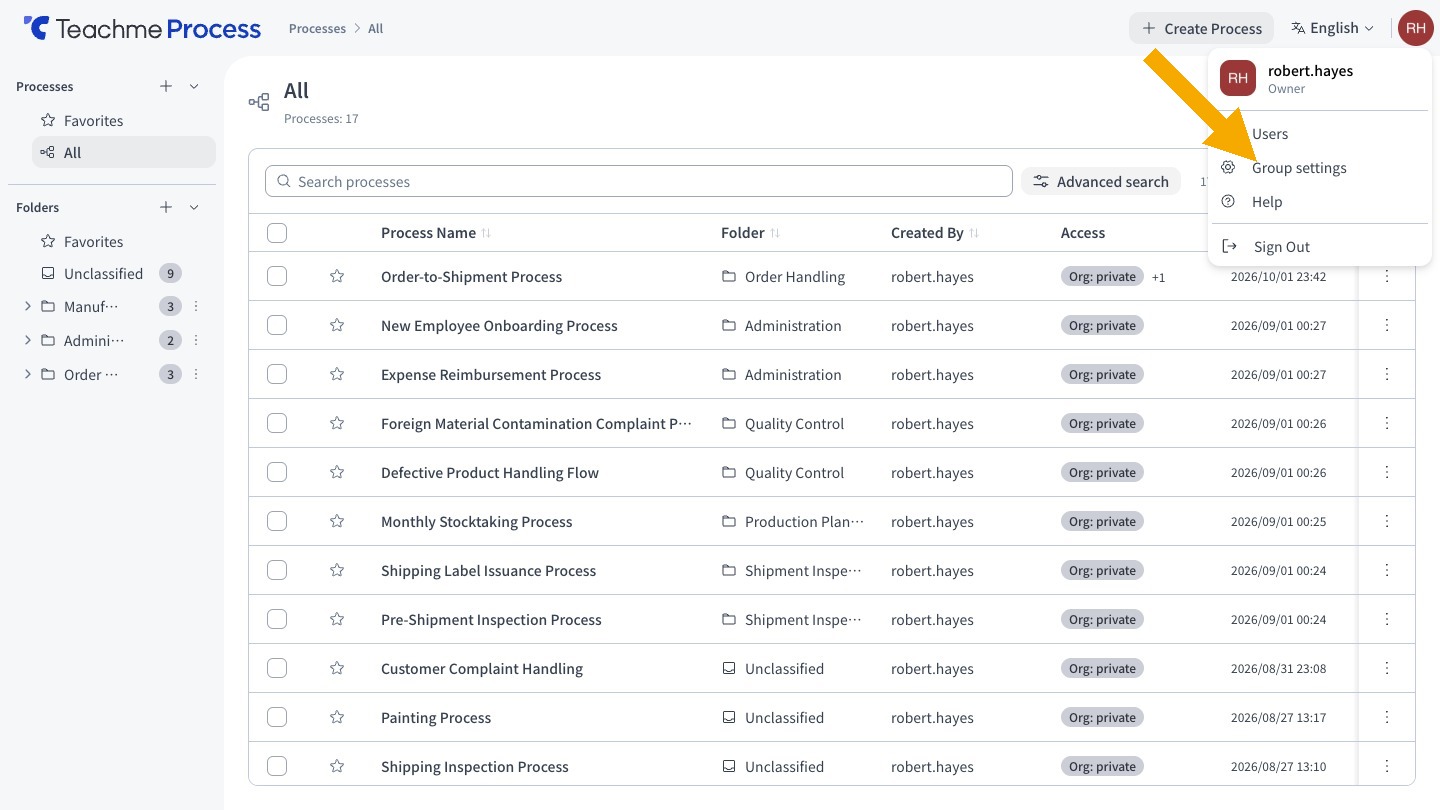
Group Owners and administrators can now open "Group Settings" from the user Icon menu at the top right of the screen.
The "Total Number of Processes" displays the total count of processes across the entire Group, including processes for which you do not have viewing permissions.
Related: Checking the total number of processes in Group Settings
https://teachme.jp/8/manuals/51005188