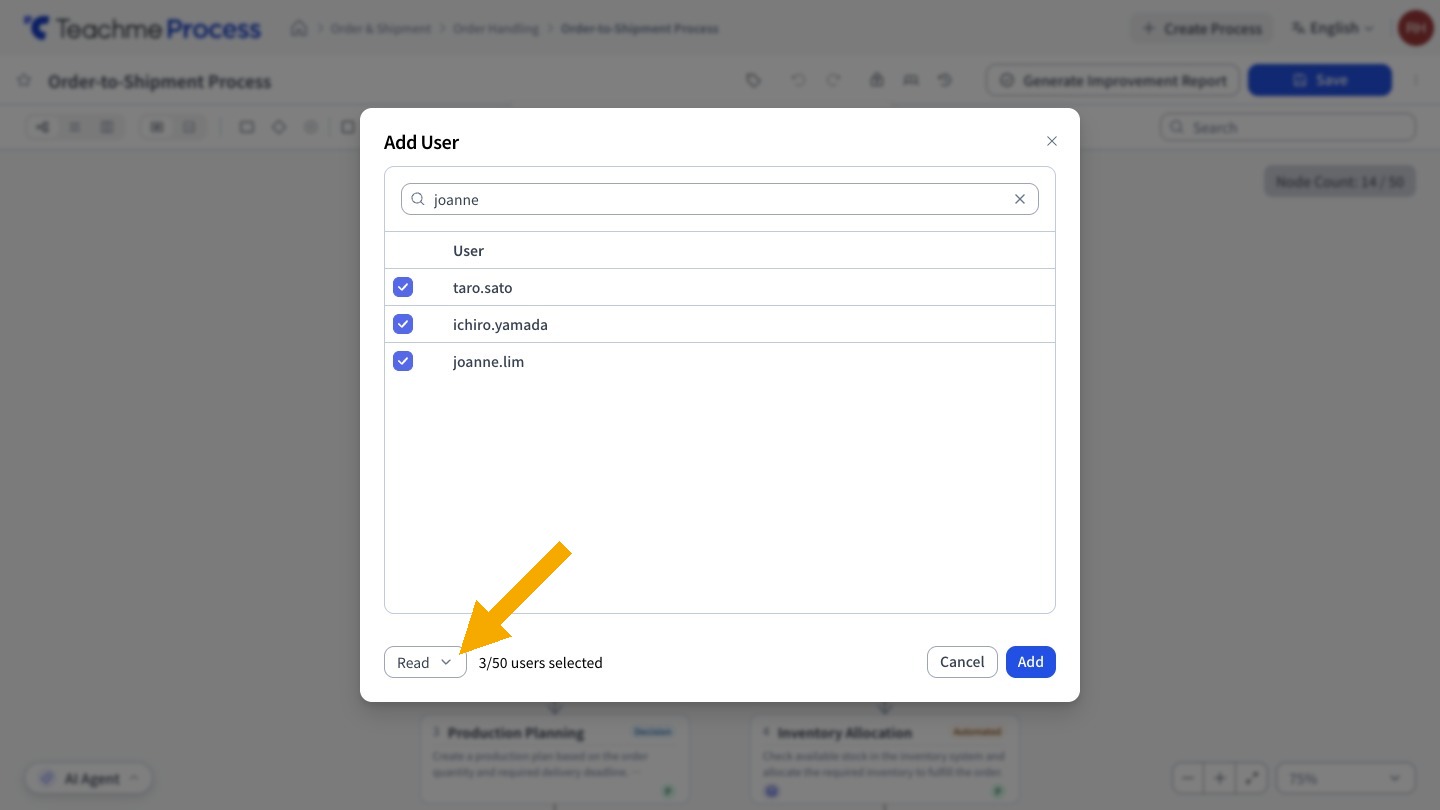
You can now add multiple users at once using "Add User" in the "Permissions" section of a process.
You can add up to 50 users at a time by searching by name and checking the users you want to add.
Even if you change the name you are searching for, the users you have already checked will remain selected.
All added users will be granted the same permission (edit or view) selected in the bottom left of the dialog.
Related:
Add a user to a process
https://teachme.jp/8/manuals/49818501
Change a user-specific permission on a process (edit or view)
https://teachme.jp/8/manuals/49818538