You Sign In to Teachme Process using your Teachme Biz Account. This article summarizes how Sign In works and the types of permissions available.
Overview
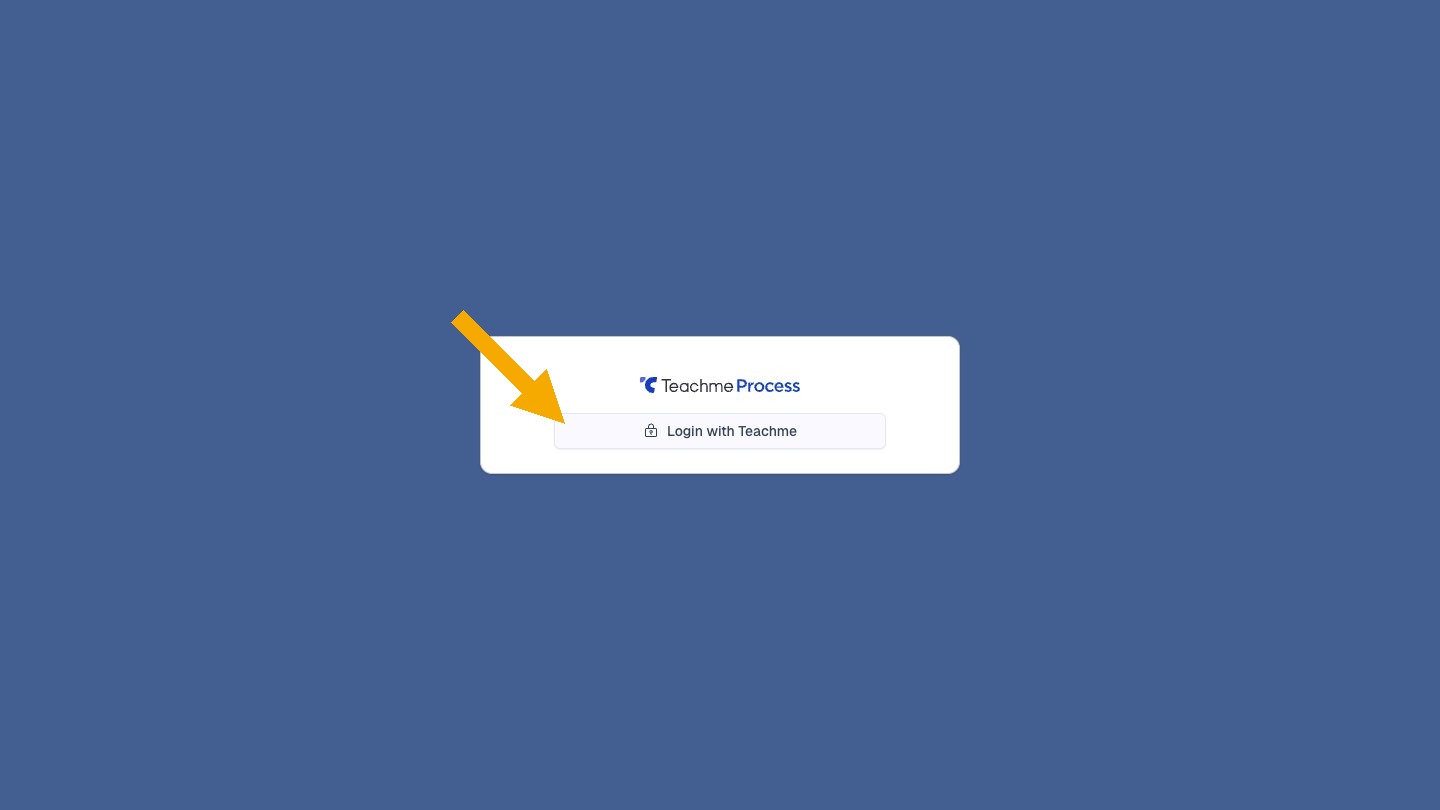
Teachme Process is integrated with Teachme Biz, and you Sign In using your Teachme Biz Account. There is no need to create a separate Account for Teachme Process.
From the Sign In screen, click "Login with Teachme" to proceed with Teachme Biz authentication. If you are already logged into Teachme Biz, you will be taken directly into Teachme Process.
Specifications
Types of Permissions
Teachme Biz permissions are carried over as-is.
- Owner
- Administrator
- Member
Users with Member permissions cannot view the administrative User List. The "User Management" menu will not be displayed, and directly opening the URL will redirect to the home screen. Selecting users in the process permission settings can still be done with Member permissions.
Re-authentication
If your Teachme Biz authentication has expired, you will be automatically redirected to the authentication screen when you open Teachme Process.
How to Use
Log in to and out of Teachme Process
https://teachme.jp/8/manuals/49819076
Related
Tell me about process permissions
https://help.process.teachme.jp/hc/en-us/articles/61437186511513